Pay Online
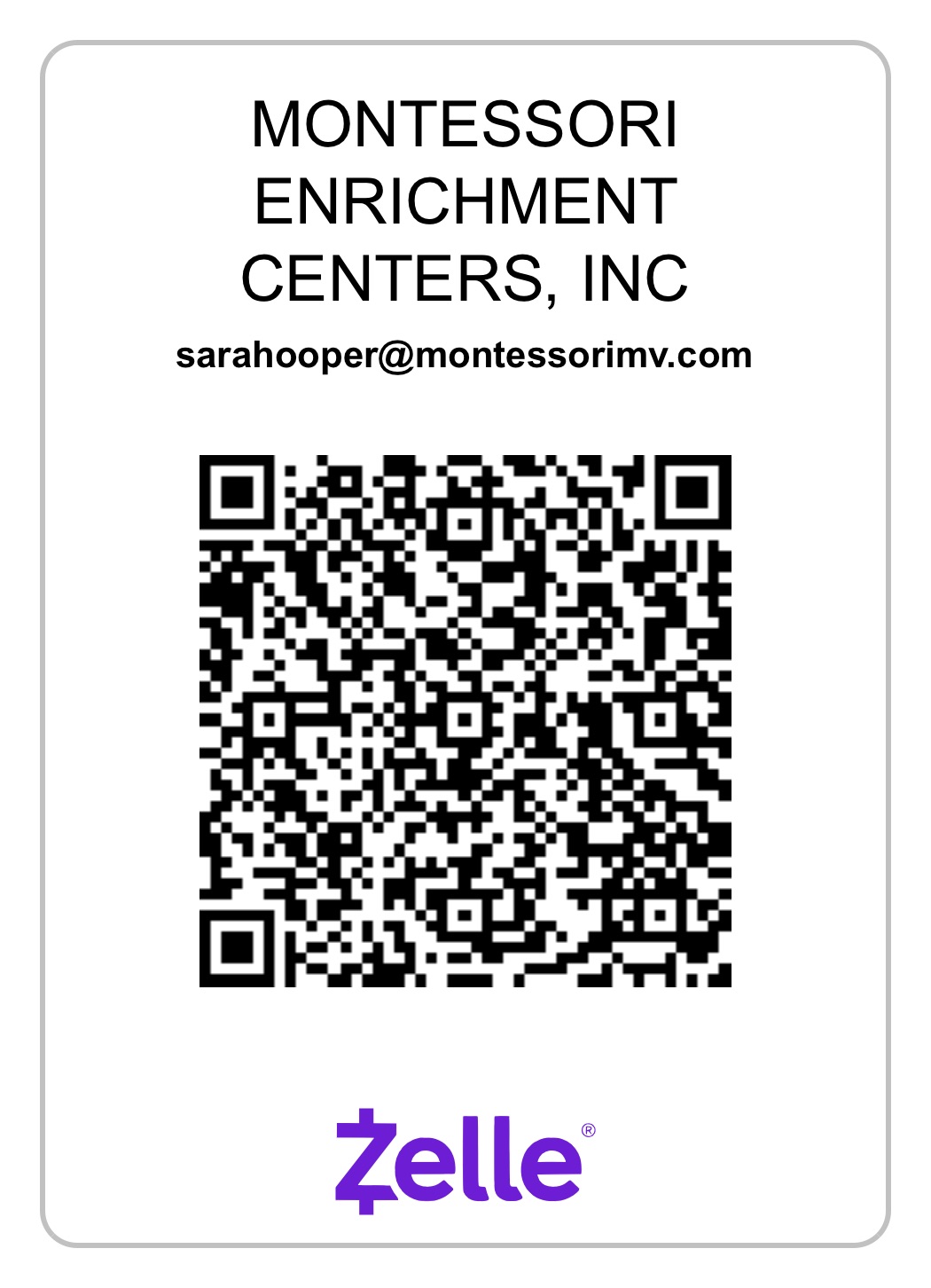
How to Pay with Zelle
- 1. Open your bank app and select Zelle
- 2. Tap “Scan QR Code”
- 3. Scan the code above
- 4. Confirm payment to Mission Montessori
If you do not have Zelle set up, you will be prompted to connect your bank first